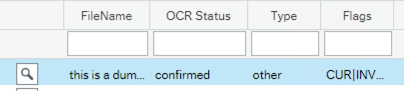
Delete Recommendations
We have integrated Rossum's new delete recommendations to help reduce the number of non-invoice documents which are processed. From their decription:
You don't have to pay for all documents you receive. Easily avoid being charged for unwanted documents by deleting recommended documents matching defined criteria.
Setup
To enable this feature, please contact us with the settings you would like.
The options that are currently available are shown below for example:
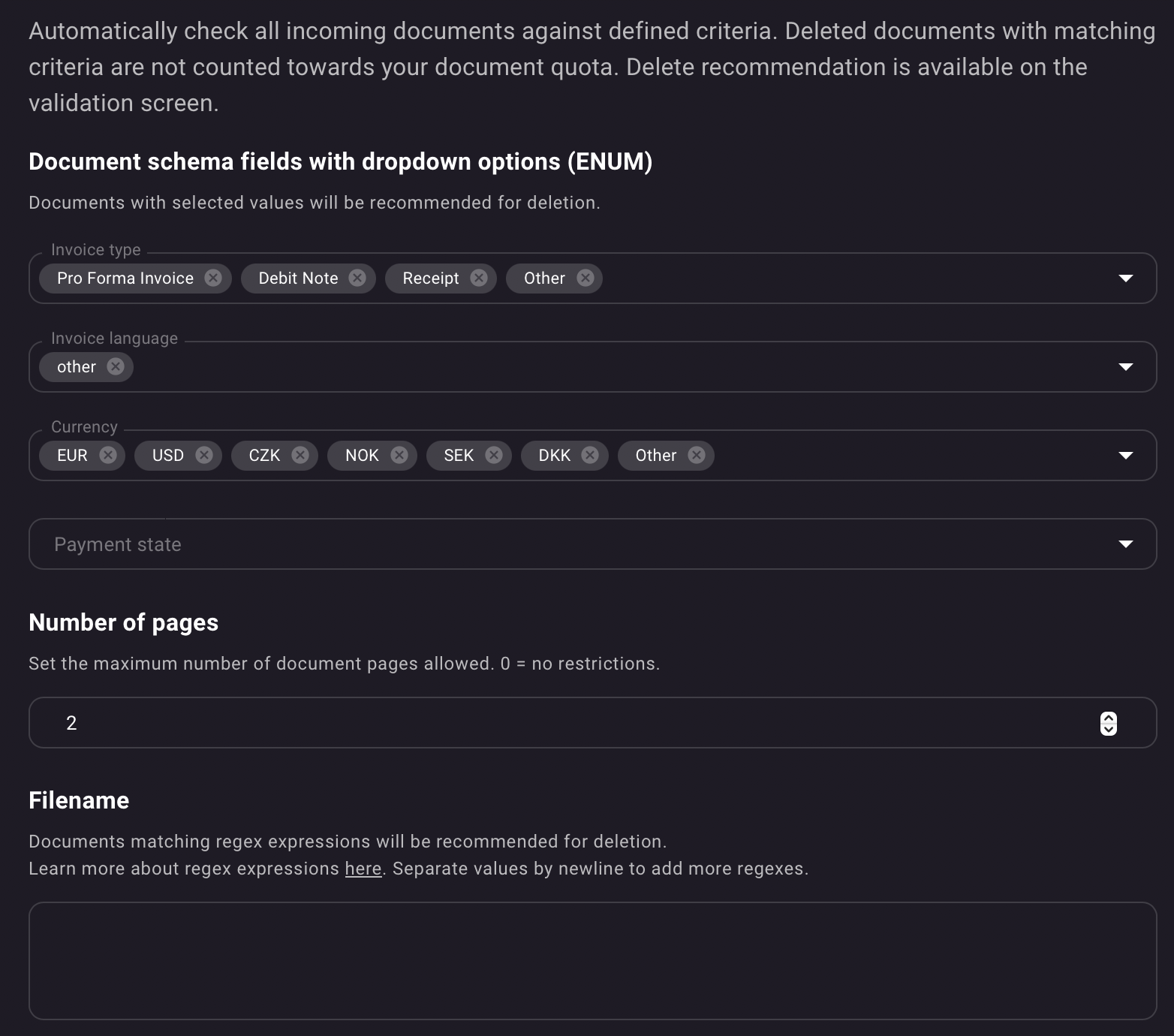
For this queue the system will recommend deletion for:
-
any invoice types which are in the list or
-
where the language is "Other"
-
or where the currency is in the list (We want GBP only in this case)
-
or if the document is over two pages long.
If a document triggers any one of these criteria then it will be flagged for deletion .
You will need to add DEL to your blocking flags if it has not already been included.
Working With Delete Recommendations
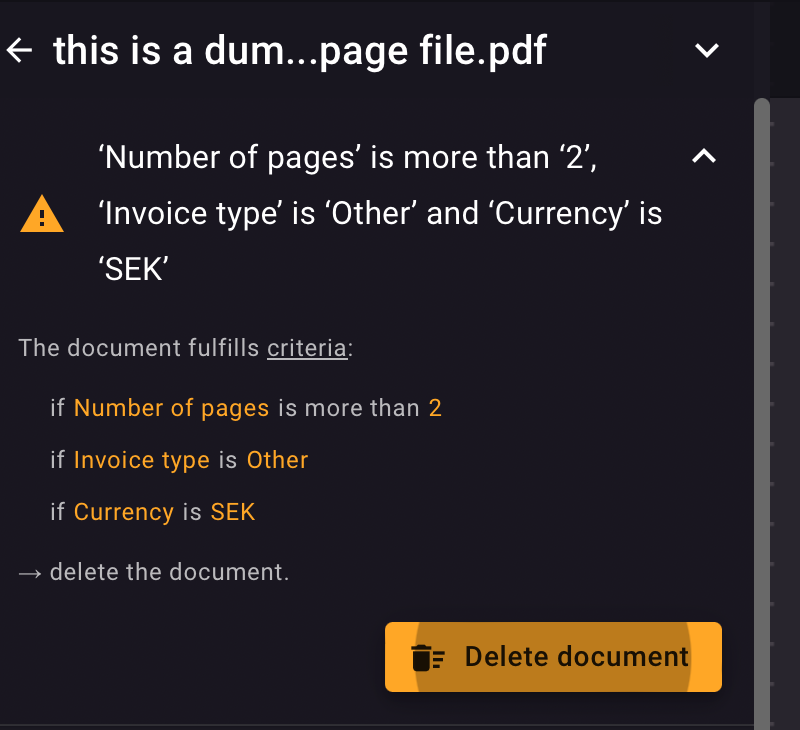
If a document is triggered then this will display on the document page in Rossum
Deleting the document
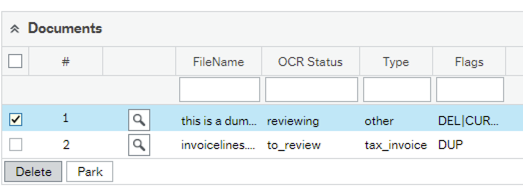
You can simply delete the document in the Rossum system using the button as shown above, however we strongly recommend that you use the delete function from within Unit4 ERP to ensure the document AND the data are removed from both systems.
Select the row and then use the delete button to remove it from both systems.
What if you want to process the document
You can manually clear the DEL flag using the clear flags button on the row 
However if you confirm the document in Rossum and then refresh the data in ERP, the flag will also be cleared as you are confirming you wish to process the document.